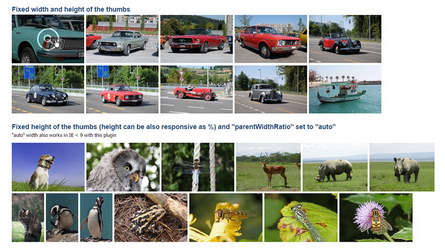
Responsive thumbnails gallery plugin with hover zoom effect and various other options.
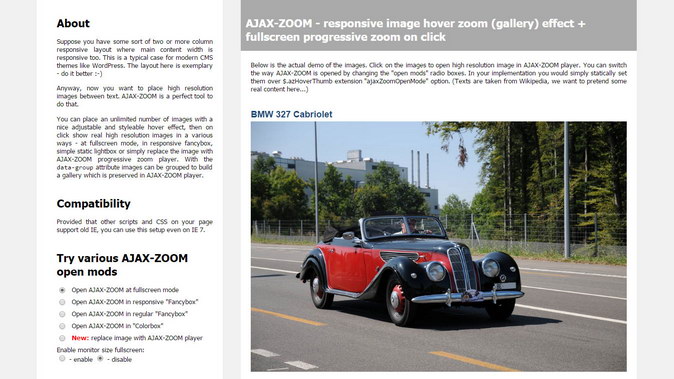
On click, the AJAX-ZOOM viewer opens in a lightbox such as responsive "Fancybox". The viewer can also open at fullscreen or as full browser window overlay.
All JavaScript is within the jquery.axZm.hoverThumb.js file, which is an AJAX-ZOOM extension.
The documentation of the $.azHoverThumb options is at the bottom of this page.
Depending on resolution,
the width changes over adjustable CSS3 @media Queries to 12.5%, 16.66%, 20%, 25%, 33.33%, 50% or 100%.
The height is set instantly via the parentHeightRatiooption, which is a fixed width/height image ratio;

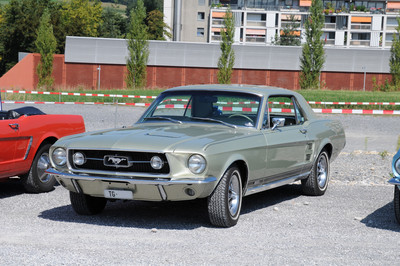
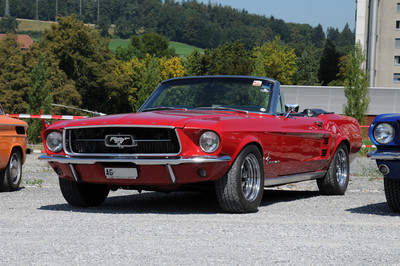
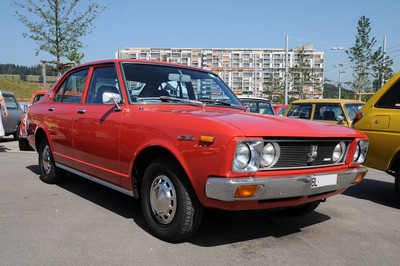
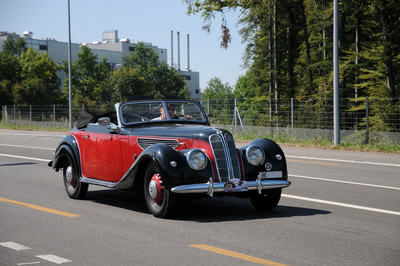

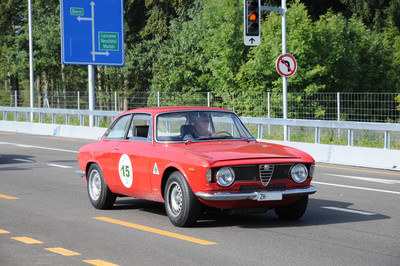

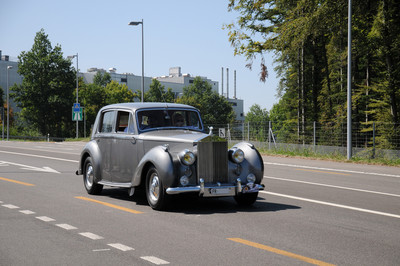

parentHeightRatio option set to 0.6 and images having different proportions.
The zoomRatio option is set to 2.5
Images center within their parent containers. Background color refers to the parent containers CSS class, and the border is set via CSS padding.
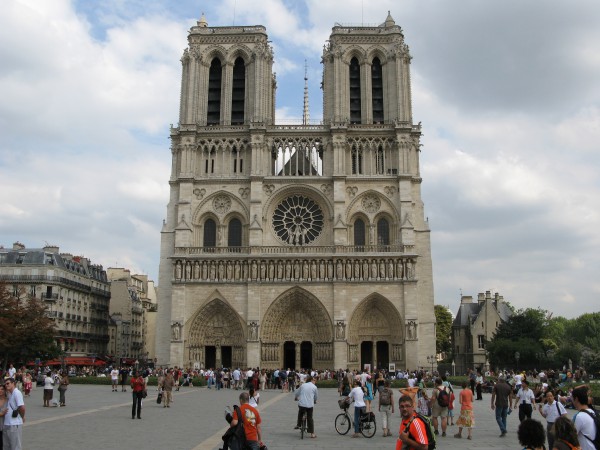



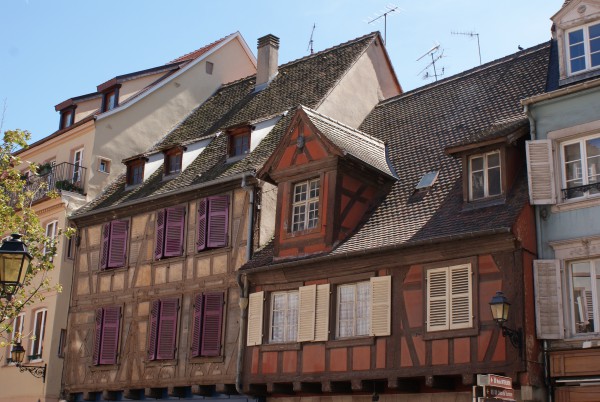



The width and height of the parent thumbnails are not responsive but set via CSS class as fixed px values.
Neither parentHeightRatio nor parentWidthRatio apply below.
parentWidthRatio option set to "auto"The "auto" value of the parentWidthRatio option also works in IE < 9.




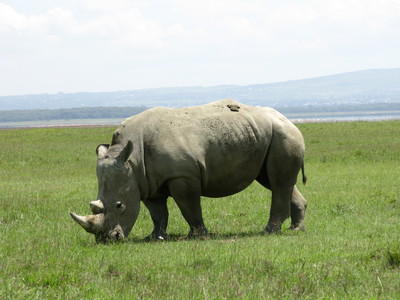








| Open AJAX-ZOOM at fullscreen mode | |
| Open AJAX-ZOOM in responsive "Fancybox" | |
| Open AJAX-ZOOM in regular "Fancybox" | |
| Open AJAX-ZOOM in "Colorbox" | |
| | Enable monitor size fullscreen: - enable - disable |
	<!-- jQuery core, needed if not present! -->
	<script type="text/javascript" src="../axZm/plugins/jquery-2.2.4.min.js"></script>

	<!-- AJAX-ZOOM core, needed! -->
	<link rel="stylesheet" href="../axZm/axZm.css" type="text/css">
	<script type="text/javascript" src="../axZm/jquery.axZm.js"></script>

	<!-- AJAX-ZOOM thumbGallery extension, needed! -->
	<link rel="stylesheet" href="../axZm/extensions/jquery.axZm.hoverThumb.css" type="text/css">
	<script type="text/javascript" src="../axZm/extensions/jquery.axZm.hoverThumb.js"></script>

	<!--  Fancybox lightbox javascript, please note: it has been slightly modified for AJAX-ZOOM, only needed if ajaxZoomOpenMode below is set to "fancyboxFullscreen" or "fancybox", optional -->
	<link rel="stylesheet" href="../axZm/plugins/demo/jquery.fancybox/jquery.fancybox-1.3.4.css" media="screen" type="text/css">
	<script type="text/javascript" src="../axZm/plugins/demo/jquery.fancybox/jquery.fancybox-1.3.4.js"></script>

	<!--  AJAX-ZOOM extension to load AJAX-ZOOM into maximized fancybox,
	requires jquery.fancybox-1.3.4.css and jquery.fancybox-1.3.4.js, optional -->
	<script type="text/javascript" src="../axZm/extensions/jquery.axZm.openAjaxZoomInFancyBox.js"></script>

	<!-- Colorbox plugin, only needed if ajaxZoomOpenMode below is set to "colorbox", optional -->
	<link rel="stylesheet" href="../axZm/plugins/demo/colorbox/example1/colorbox.css" media="screen" type="text/css">
	<script type="text/javascript" src="../axZm/plugins/demo/colorbox/jquery.colorbox-min.js"></script>
	.block_1{
		float: left;
		width: 12.5%;
		height: auto;
		box-sizing: border-box;
		border-right: 5px solid #FFF;
		border-bottom: 5px solid #FFF;
	}

	.block_1_parent{
		/* same as border-right in .block_1 */
		margin-right: -5px;
		margin-bottom: 20px;
	}

	@media only screen and (max-width: 1600px) {
		.block_1{width: 16.6666666666%;}
	}

	@media only screen and (max-width: 1400px) {
		.block_1{width: 20%;}
	}
	@media only screen and (max-width: 900px) {
		.block_1{width: 25%;}
	}
	@media only screen and (max-width: 700px) {
		.block_1{width: 33.333333333333333%;}
	}
	@media only screen and (max-width: 500px) {
		.block_1{width: 50%;}
	}
	@media only screen and (max-width: 400px) {
		.block_1{width: 100%;}
	}
<!-- Container where subfolders will be loaded into -->
<div class="block_1_parent clearfix">
	<div class="block_1">
		<img class="azHoverThumb"
			data-group="cars"
			data-descr="Optional title: car 1"
			data-img="/pic/zoom/trasportation/transportation_005.jpg"
			src="../axZm/zoomLoad.php?previewPic=transportation_005.jpg&previewDir=/pic/zoom/trasportation&qual=90&width=400&height=300"
			alt="">
	</div>

	<div class="block_1">
		<img class="azHoverThumb"
			data-group="cars"
			data-descr="Optional title: car 2"
			data-img="/pic/zoom/trasportation/transportation_006.jpg"
			src="../axZm/zoomLoad.php?previewPic=transportation_006.jpg&previewDir=/pic/zoom/trasportation&qual=90&width=400&height=300"
			alt="">
	</div>
</div>
	// Fire azHoverThumb on .azHoverThumb under block_1_parent
	$(".block_1_parent .azHoverThumb").azHoverThumb({
		parentHeightRatio: 0.665,
		zoomRatio: 1.34
	});